Bridge
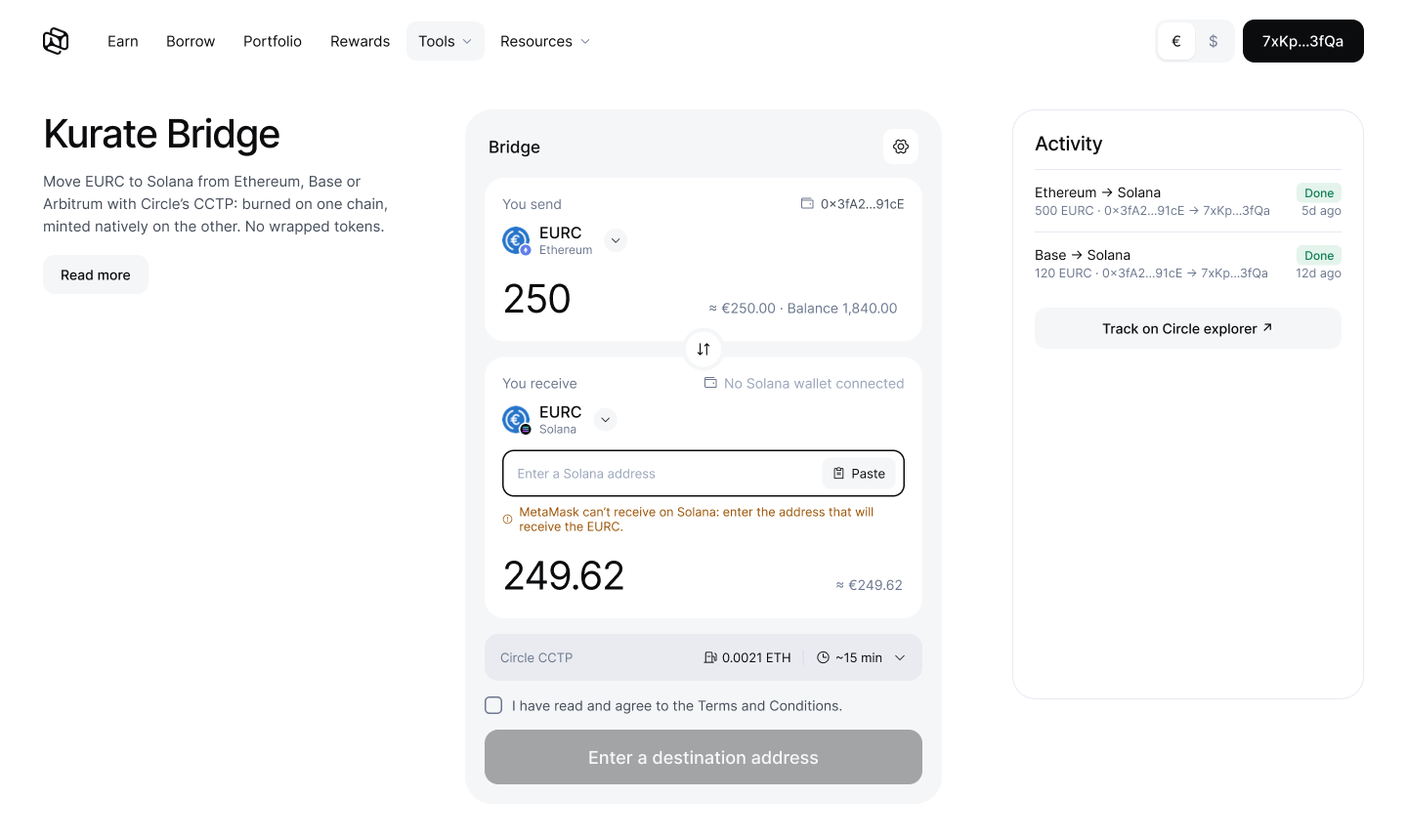
Move EURC from one network to another, to your own wallet or to a different address, then lend or repay there.
How it works
- Pick the network you’re sending from and the one you’re sending to.
- Enter an amount. The route, its fees and the estimated arrival time are shown before you confirm.
- Keep your own address as destination, or paste a different one — the app checks the format for the destination network.
- Review, then sign on the source network. Funds arrive once the transfer settles.
Sending to a wrong or unsupported address can’t be reversed. Double-check the destination network and address.
After bridging
Bridged EURC is just EURC in your wallet on the destination network. Lending or posting it as collateral is a separate transaction in that network’s market.
Was this page helpful?